

Knowledge Center
We're here to help you get the most out of your benchtop MV/NIRS and grading results. Whether you're setting up your equipment for the first time or troubleshooting an issue in the field, we’ve got you covered.

Getting Started?
Running your first sample? Here’s a few guides to get you started!
Frequently Asked Questions
-
Linked here we have quick guide on the best maintenance schedule for your unit.
-
Your benchtop status light gives you real-time feedback on what the unit is doing. Here is a quick guide on what each light indicates.
-
To force flush your benchtop:
Tap on ‘Settings’ and then ‘Maintenance’.
Tap on Flush.
Additional Knowledge

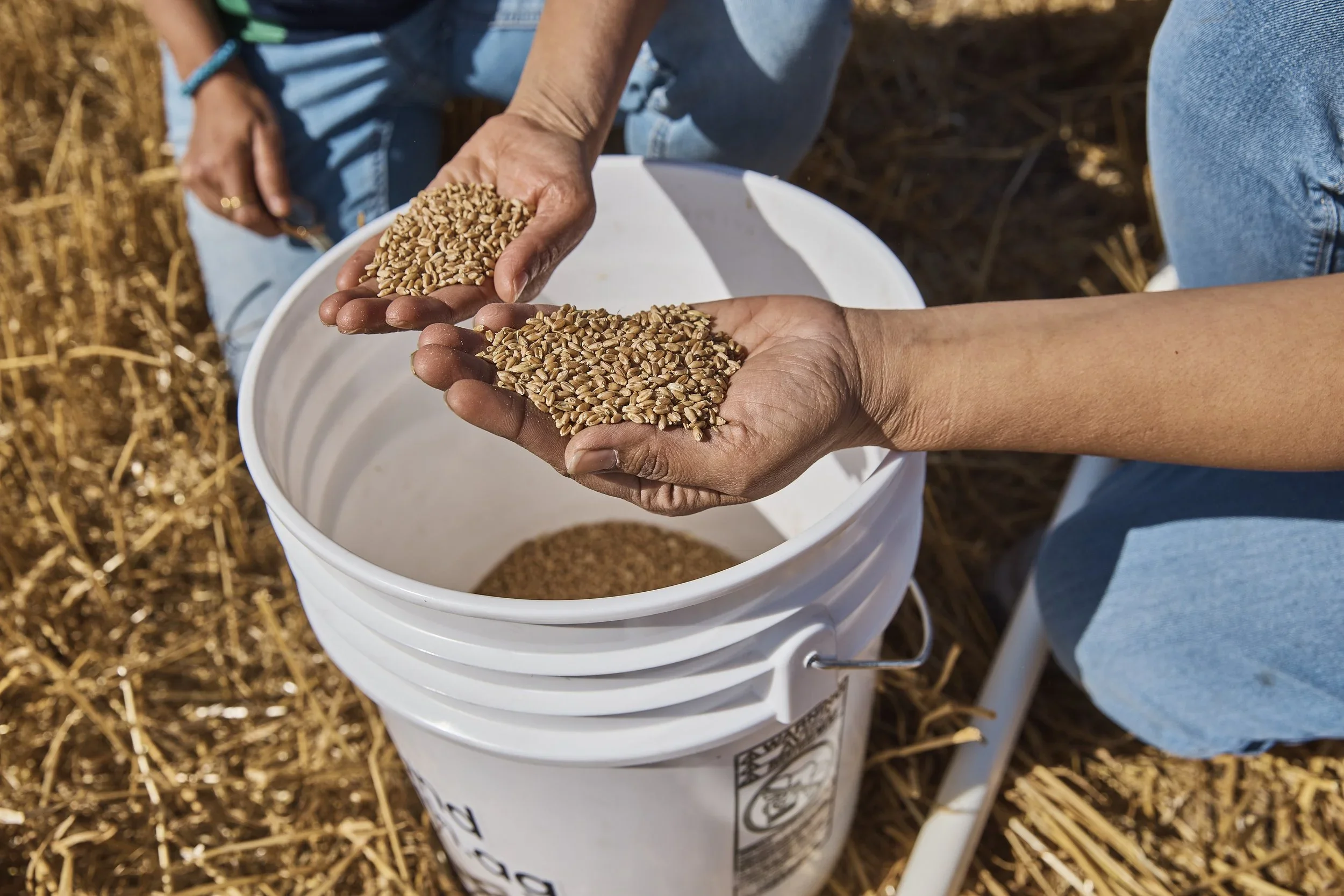
Looking To Learn More?
Check our latest articles to learn more about grain grading.

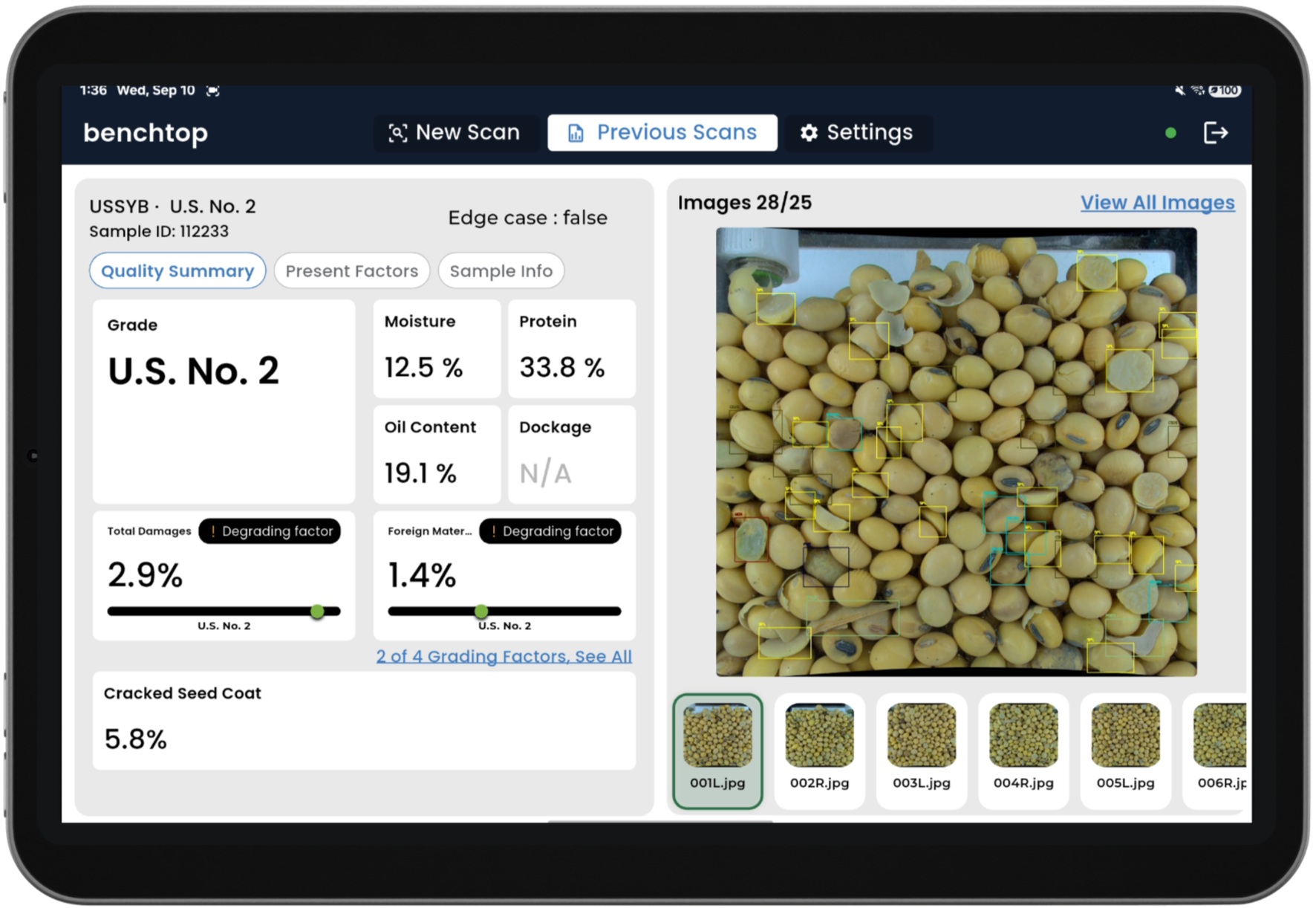
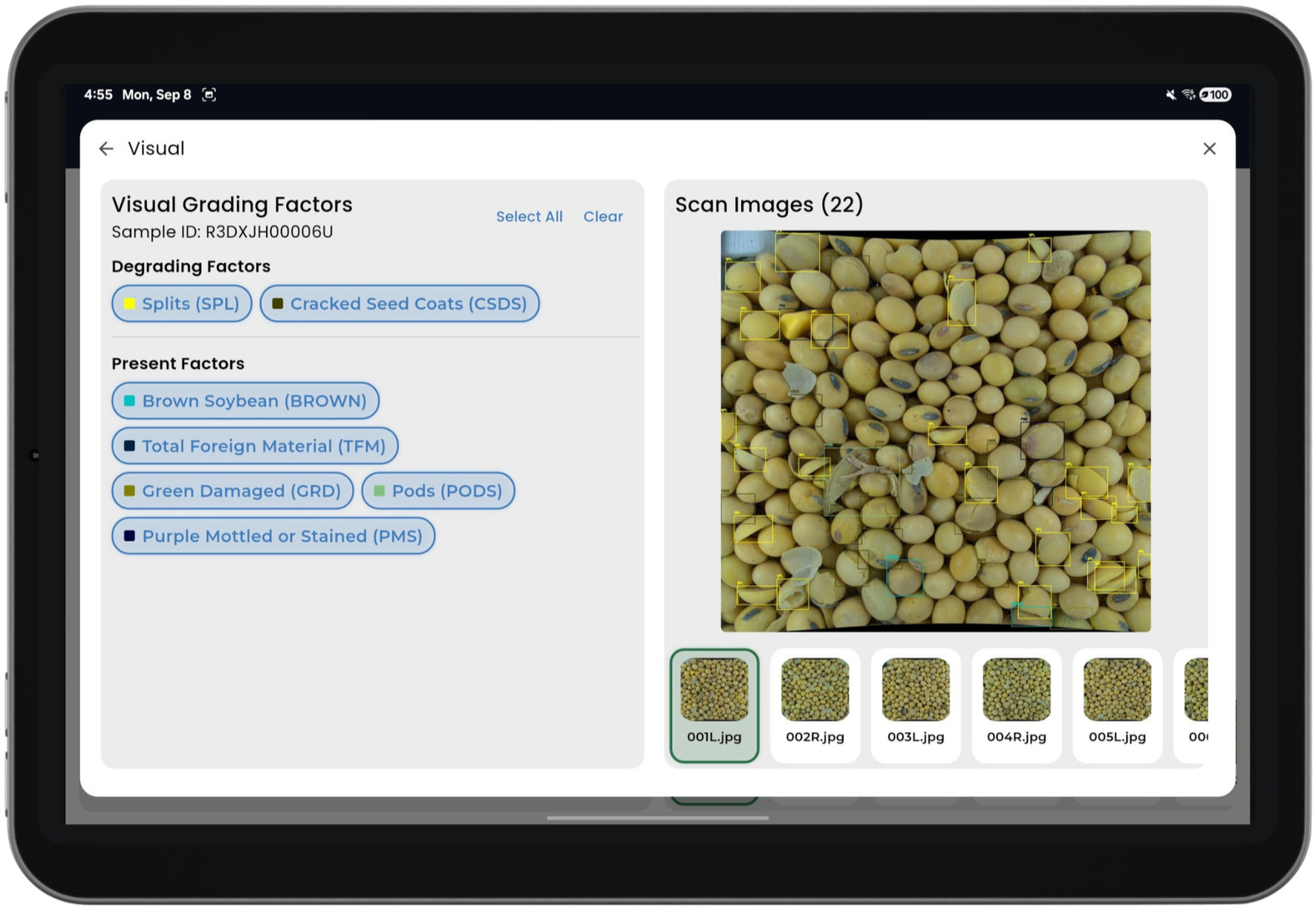
Still need help? Our team is ready to support.
Email: support@groundtruth.ag
Phone: Contact Your Ground Truth Agriculture Representative
Grain doesn’t work 9–5, and neither do we. Reach out anytime — we’ll get back as soon as we can.